
Download Focus Booster – Free Pomodoro Timer for Better Concentration
Overview
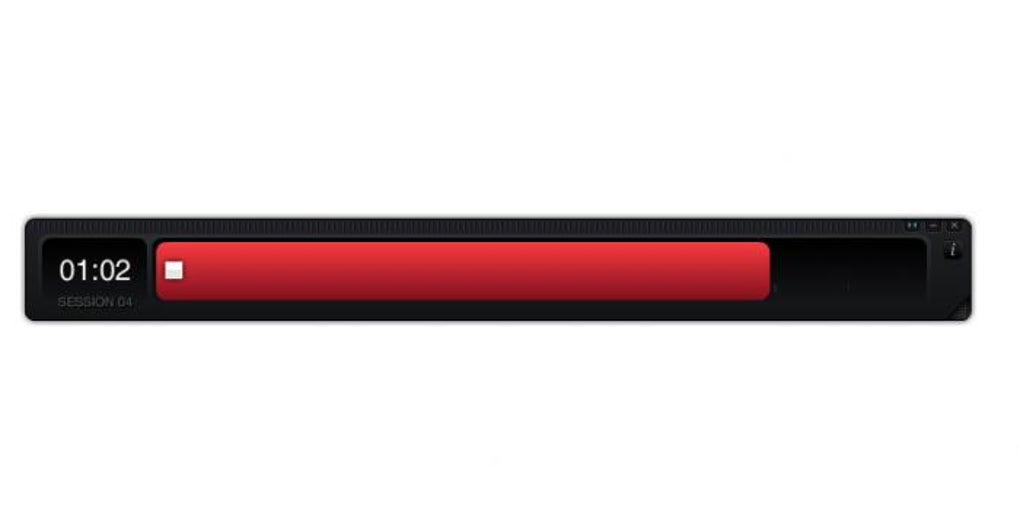
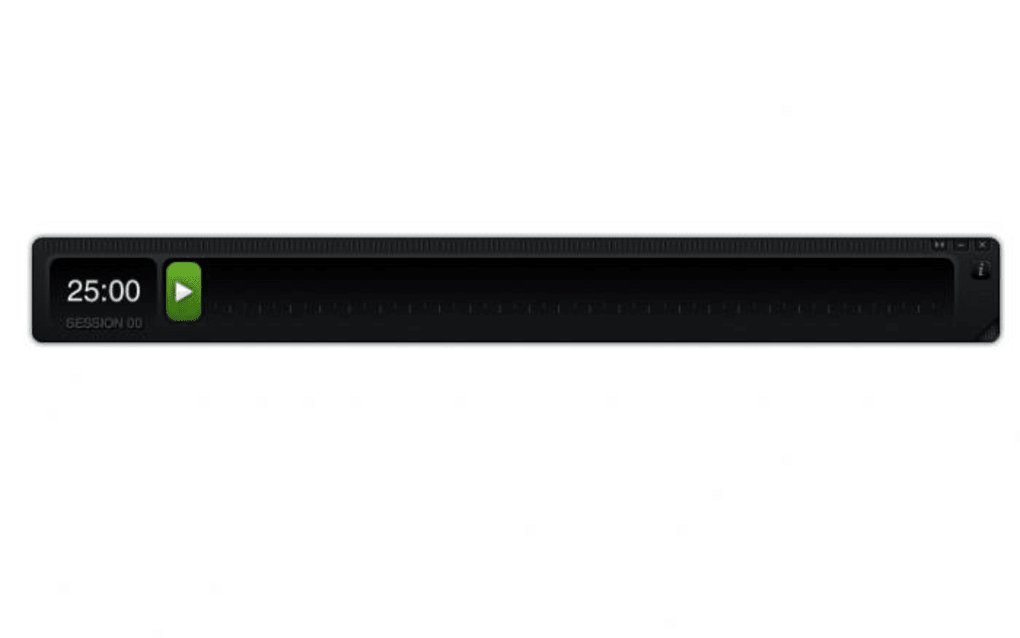
Focus Booster is a lightweight, visually‑oriented Pomodoro timer designed to help users sharpen their concentration and manage work sessions more effectively. Built around the classic Pomodoro Technique—25 minutes of focused work followed by a short break—Focus Booster presents a sleek black timeline with a green progress bar that fills as the timer runs. While the interface may look simple, it packs enough flexibility for both beginners and seasoned time‑management enthusiasts.
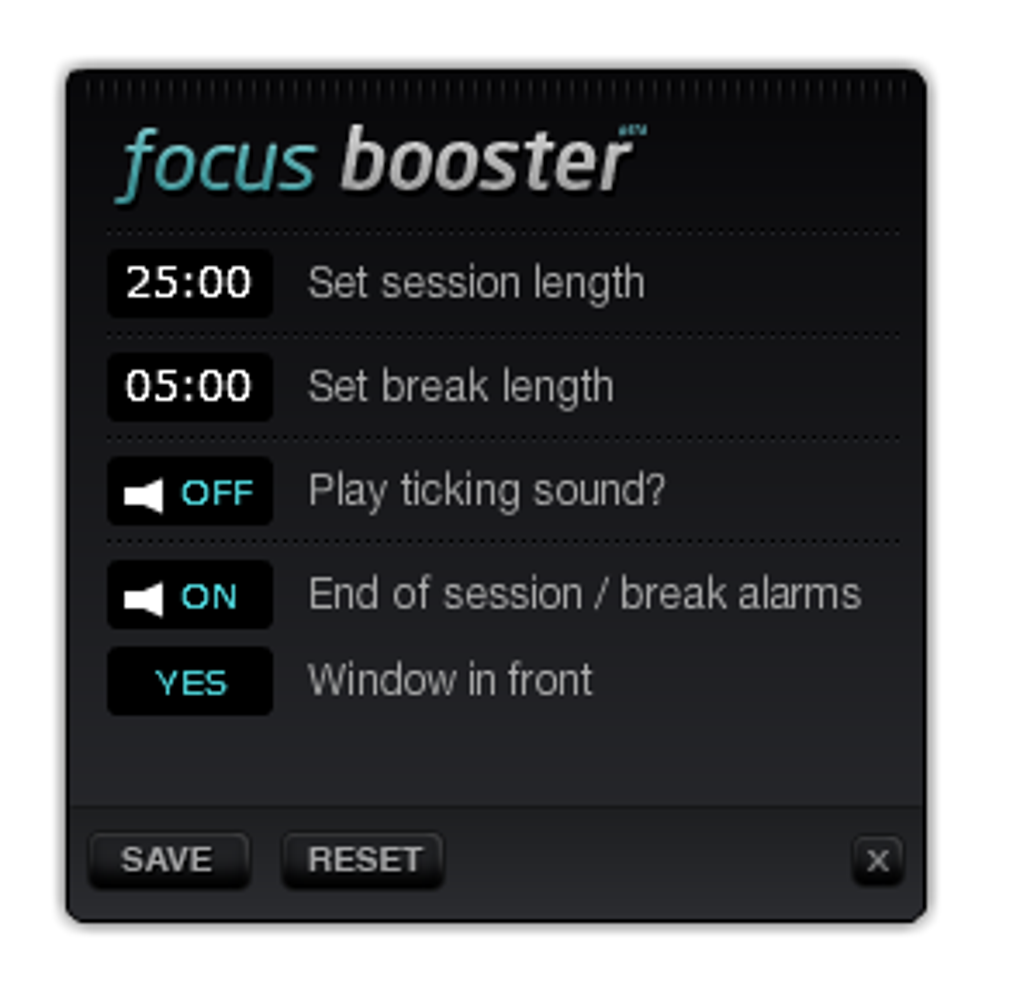
Users can customize session length, break intervals, and choose whether an audible tick accompanies the countdown. The ticking sound mimics the gentle reminder of a traditional kitchen timer, reinforcing the notion that time is limited and encouraging a disciplined work rhythm. Because the app runs on a minimal UI, it stays out of the way of other applications, making it suitable for multitaskers who need a subtle yet constant visual cue.
Whether you’re a freelancer juggling multiple projects, a student tackling study blocks, or a professional seeking to reduce distractions, Focus Booster offers a free, secure, and easily updatable solution that integrates seamlessly into Windows, macOS, Android, and iOS ecosystems. While the visual bar may seem redundant if you already have audio cues, it becomes especially handy when you’re listening to music or podcasts and need a non‑intrusive way to track progress. Ultimately, its effectiveness hinges on personal discipline, but for anyone who struggles to stick to a timer, Focus Booster provides an approachable entry point into the Pomodoro workflow.
Key Features
- Customizable Session Length: Adjust work periods from 5 to 60 minutes to match your preferred focus cycles.
- Flexible Break Options: Choose short breaks (1‑5 minutes) or longer recovery periods (10‑15 minutes) after each session.
- Visual Progress Bar: A clean black timeline with a green bar that fills in real‑time, giving an at‑a‑glance view of remaining time.
- Audible Tick Option: Enable or disable a gentle ticking sound that mimics a classic timer, helping you stay aware without looking at the screen.
- Resizing Capability: Drag the window edges to shrink or enlarge the timer, perfect for multi‑monitor setups or when you need a compact widget.
- Cross‑Platform Compatibility: Available for Windows, macOS, Android, and iOS, ensuring you can keep a consistent workflow across devices.
- Data Export & Reports: Export session logs to CSV for deeper analysis of your productivity patterns.
- Free & Open Source: No hidden fees, no subscription, and regular community‑driven updates keep the app secure and reliable.
- Minimal System Resources: Designed to run in the background without consuming significant CPU or memory, preserving battery life on laptops and mobile devices.
- Simple Settings Access: An unobtrusive “i” icon reveals all configuration options, keeping the main interface clean while still offering full control.
Installation & Usage Guide
Downloading and Installing
To get started, visit the official Focus Booster website or the appropriate app store for your operating system. Click the “Download” button for Windows (.exe) or macOS (.dmg), or tap “Install” on the Google Play Store or Apple App Store for Android and iOS devices. The installer is signed and verified, ensuring a secure download free from malware. After the download completes, run the installer (Windows) or drag the app to your Applications folder (macOS). Mobile installations follow the standard app store process—simply tap “Open” once installation finishes.
Initial Setup
Upon first launch, Focus Booster presents a clean black screen with a thin green line at the bottom. Click the small “i” icon in the top‑right corner to open the Settings panel. Here you can set your preferred work session length (default 25 minutes) and break duration (default 5 minutes). Toggle the “Tick Sound” switch if you enjoy auditory cues. Adjust the window size by dragging any corner; the timer will automatically scale the progress bar to fit.
Running a Pomodoro Cycle
Press the “Start” button to begin a work session. As the green bar expands, you’ll see a numerical countdown in the center. If you enabled the tick sound, a soft click will accompany each second.
When the session ends, a subtle notification appears, and the bar resets to the break mode. Click “Pause” at any time to temporarily stop the timer without losing progress. After the break, press “Start” again to launch the next Pomodoro cycle.
Over time, the app records each session, allowing you to review productivity trends via the “History” tab.
Compatibility
Focus Booster runs natively on Windows 10 and later, macOS 10.13 (High Sierra) and newer, Android 6.0 (Marshmallow) onward, and iOS 12+. The app is optimized for both desktop and mobile environments, supporting dark mode on platforms that offer it. Cloud sync is not currently built‑in, but exported CSV files can be imported into third‑party time‑tracking services.
Pros and Cons
Pros
- Completely free with no hidden subscription fees.
- Simple, distraction‑free UI that fits on any screen size.
- Highly customizable session and break lengths.
- Optional audible tick helps maintain awareness without looking.
- Low system resource usage, preserving battery life on laptops.
- Cross‑platform availability ensures a consistent workflow.
- Exportable session logs for deeper productivity analysis.
Cons
- Limited advanced features compared to paid Pomodoro suites (e.g., task grouping, team collaboration).
- No built‑in cloud sync; manual export required for data sharing.
- The “i” settings icon can be hard to notice for new users.
- Visual progress bar may feel redundant if you rely solely on audio cues.
- Occasional UI scaling issues on high‑DPI monitors (requires manual adjustment).
Frequently Asked Questions & Conclusion
Is Focus Booster truly free or are there hidden costs?
Focus Booster is 100% free. There are no premium tiers, hidden subscriptions, or in‑app purchases. All features listed are available to every user after download.
Can I use Focus Booster on multiple devices simultaneously?
Yes. Because the app does not rely on cloud sync, you can install it on any number of devices—Windows PC, Mac, Android phone, or iOS tablet—and use each independently. Session data can be exported manually if you need to consolidate records.
Does the ticking sound become annoying over time?
The tick is optional and can be toggled off at any time via the Settings panel. Users who find it helpful for maintaining focus can keep it on, while others may prefer a silent visual cue.
How does Focus Booster differ from other Pomodoro apps?
Unlike many feature‑heavy Pomodoro tools, Focus Booster emphasizes a minimalistic design, low resource consumption, and complete freedom from fees. It is ideal for users who want a straightforward timer without cluttered dashboards or subscription walls.
Is the app secure and regularly updated?
Yes. The executable is digitally signed, and the development team releases monthly updates that address bugs, improve compatibility, and add minor enhancements while keeping the core experience stable.
In summary, Focus Booster delivers a clean, free, and effective Pomodoro timer that can help you reclaim focus and structure your workday. Its visual progress bar, optional tick sound, and customizable intervals make it adaptable to a wide range of workflows. While power users may crave deeper analytics or team features, the app’s simplicity and zero‑cost model are perfect for anyone looking to try the Pomodoro Technique without a financial commitment. Ready to boost your concentration? Download Focus Booster today and start turning minutes into meaningful productivity.







